

 Home Gadget World
Complete review of the Kasa 2K+ Indoor Pan/Tilt Security Camera. Learn features, installation steps, motion tracking, night vision, and smart home compatibility.
Smart home security has become more important than ever. Whether you want to check on your baby, keep an eye on pets while you’re at work, or simply monitor your home for safety, a reliable indoor camera can give you peace of mind.
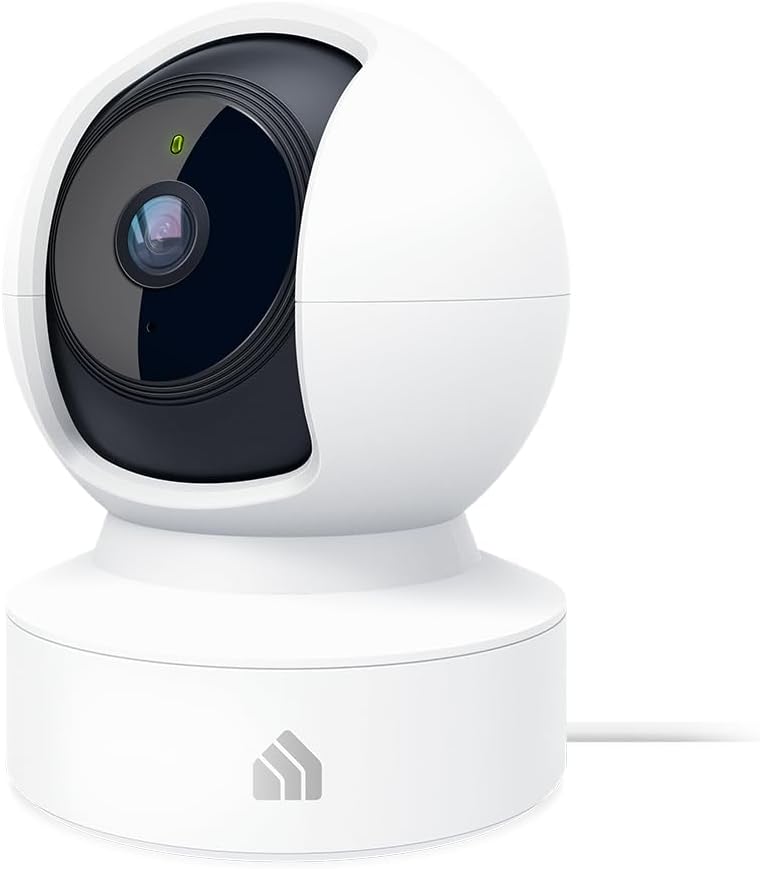
One of the most popular indoor cameras today is the Kasa 2K+ Indoor Pan/Tilt Wired Security Camera by TP‑Link. This smart camera offers powerful features like motion tracking, crystal-clear 2K video, two-way audio, and night vision, all in a compact and affordable device.
In this review, we’ll explore its features, benefits, installation process, and how to use it effectively in your home.
Overview of the Kasa Indoor Camera
The Kasa Pan/Tilt Camera is designed to give homeowners full control of indoor monitoring. With 360° horizontal rotation and vertical tilt, it can cover almost every corner of a room.
You can watch live video, control the camera, and receive alerts directly through the Kasa Smart mobile application. The camera also works with voice assistants like Amazon Alexa and Google Assistant, making it easy to integrate into your smart home ecosystem.
Because of its versatility, this camera is commonly used as:
- A baby monitor
- A pet monitoring camera
- An indoor security system
- A home surveillance device
Key Features of the Kasa 2K Indoor Camera
1. Crystal Clear 2K HD Video
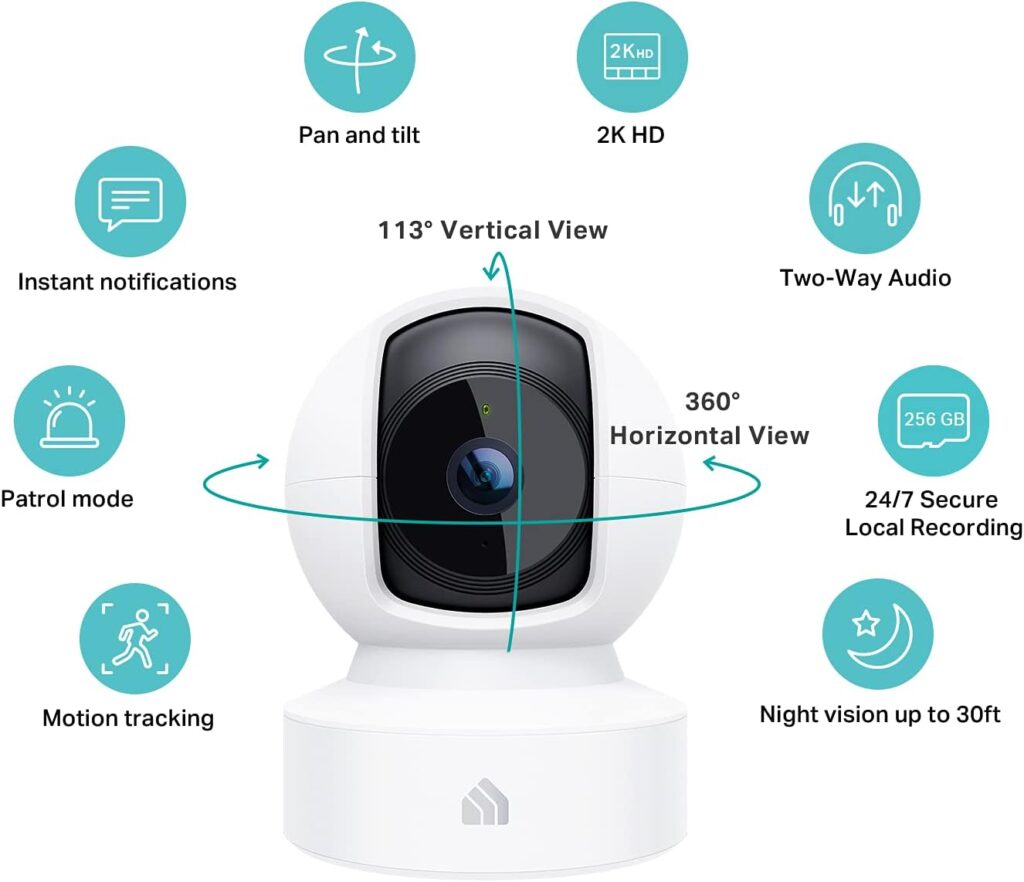
One of the biggest advantages of this camera is its 2K high-definition video quality. The higher resolution allows you to see fine details clearly, such as facial expressions, small movements, or objects in the room.
This makes it especially useful for monitoring babies or pets.
2. Pan and Tilt Control
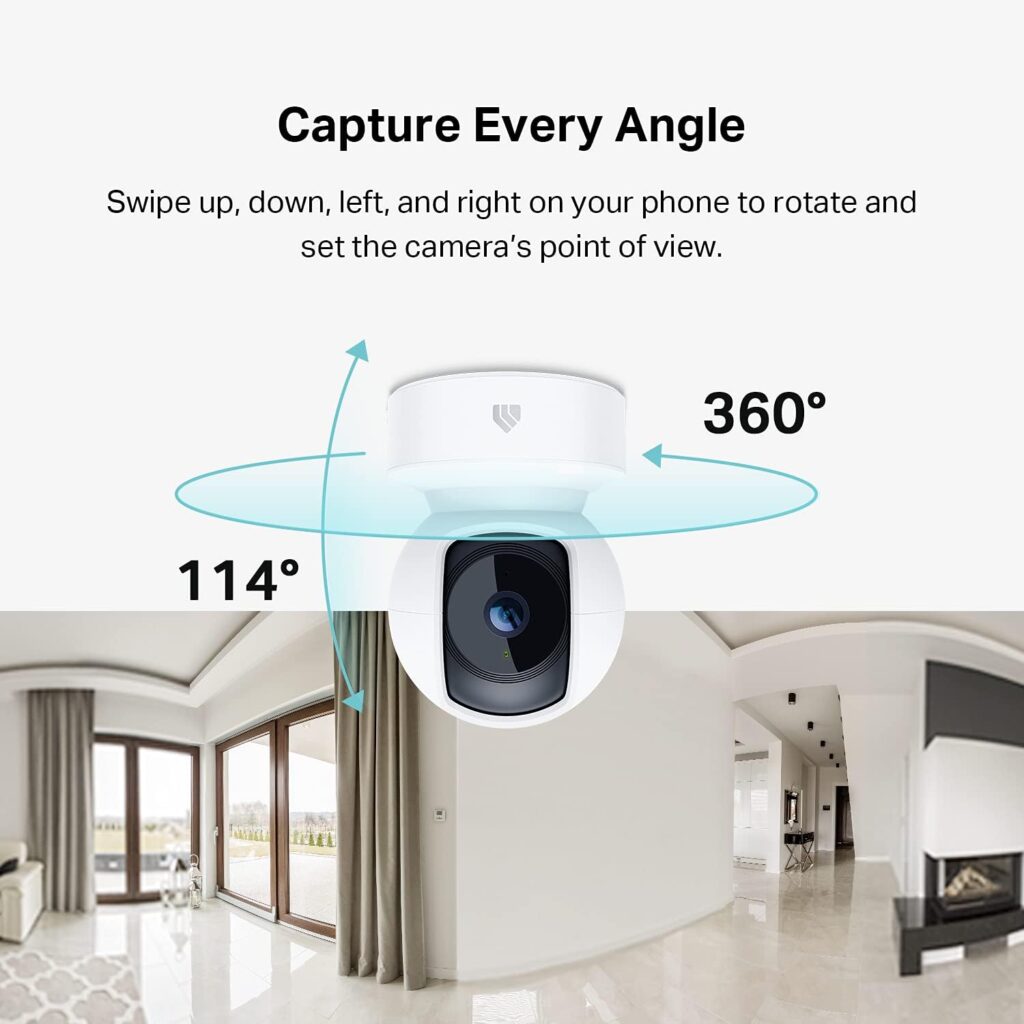
Unlike fixed cameras, this model can rotate and tilt remotely using the mobile app.
Coverage includes:
- 360° horizontal rotation
- 114° vertical tilt
This means you can view nearly every part of a room without needing multiple cameras.
3. Motion Detection and Smart Tracking
The camera includes advanced motion detection technology. When movement is detected, the camera can automatically track the moving object and send instant alerts to your phone.
For example:
- If your baby moves in the crib
- If your pet walks across the room
- If someone enters the house
You will receive a real-time notification.
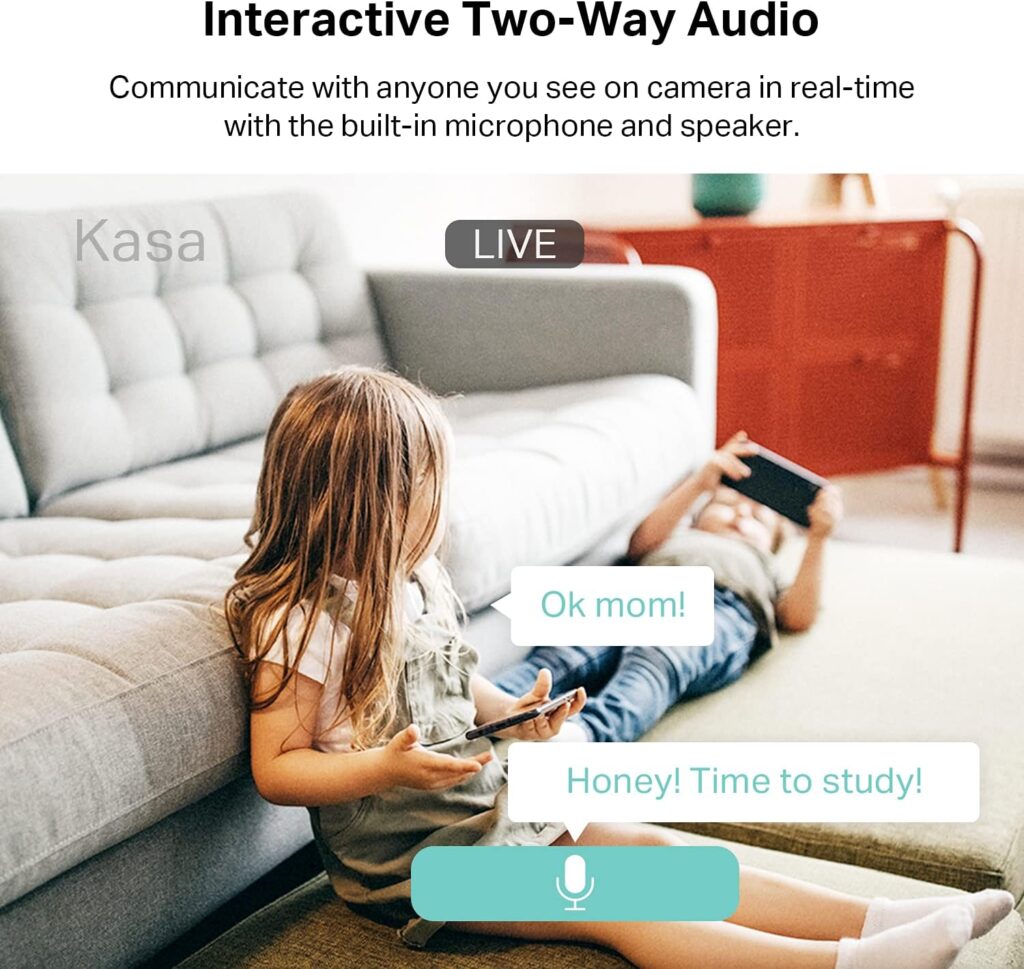
4. Two-Way Audio Communication
The built-in microphone and speaker allow you to talk and listen through the camera.
This feature is extremely useful for:
- Comforting your baby from another room
- Talking to family members
- Calling your pets
- Warning intruders
5. Night Vision for 24/7 Monitoring
The camera also includes infrared night vision, allowing you to see clearly even in complete darkness.
Night vision range can reach up to 30 feet, ensuring your home remains monitored even at night.
6. Local and Cloud Storage
The Kasa camera supports microSD card storage, allowing you to record footage locally without paying monthly fees.
You can also choose optional cloud storage for backup and remote access.
What Comes in the Box
When purchasing the camera, you will typically receive:
- Kasa Pan/Tilt Camera
- Power adapter
- USB power cable
- Wall mounting kit
- Quick installation guide
Everything needed for installation is included.
How to Install the Kasa Indoor Camera
Setting up the Kasa Pan/Tilt camera is simple and usually takes less than 10 minutes.
Step 1 – Download the Kasa App
Download the **Kasa Smart app from the App Store or Google Play.
Create a free account to begin setup.
Step 2 – Power the Camera
Plug the camera into a power outlet using the included adapter.
After powering on, the indicator light will blink to show the device is ready to connect.
Step 3 – Add the Camera in the App
Open the app and:
- Tap Add Device
- Select Kasa Camera
- Choose Pan/Tilt Camera
The app will guide you through the setup.
Step 4 – Connect to Wi-Fi
Connect the camera to your 2.4 GHz Wi-Fi network and enter your password.
Once connected, the camera will appear in your device list.
Step 5 – Position the Camera
You can place the camera in several locations:
- On a shelf or desk
- Mounted on the wall
- Attached to the ceiling
Choose a location that provides a clear view of the room.
How to Use the Kasa Security Camera
After installation, using the camera is very easy.
Watching Live Video
Open the Kasa app and tap the camera to watch live streaming video from your home.
You can monitor your house from anywhere in the world.
Moving the Camera
Swipe on the screen inside the app to pan or tilt the camera and change the viewing angle.
Setting Motion Alerts
Enable motion detection in the settings to receive instant alerts whenever movement is detected.
Using Two-Way Audio
Press the microphone button to speak through the camera.
You can hear responses through your phone.
Recording Video
Insert a microSD card into the camera to automatically record motion clips.
You can review recordings anytime from the app.
Pros and Cons
Pros
✔ High-quality 2K video
✔ Wide 360° viewing coverage
✔ Motion tracking alerts
✔ Two-way audio communication
✔ Easy installation
✔ Affordable price
Cons
✖ Requires constant power connection
✖ Some cloud features require subscription
Final Verdict
The Kasa 2K+ Indoor Pan/Tilt Wired Security Camera is an excellent smart home device for anyone who wants simple, reliable indoor monitoring.
With clear video quality, smart motion tracking, remote camera control, and easy installation, it’s perfect for families, pet owners, and smart home beginners.
If you are looking for a budget-friendly but powerful indoor security camera, this device is definitely worth considering.
✅ Perfect for:
- Baby monitoring
- Pet watching
- Indoor security
- Smart home setups